List files in folder and create hyperlinks (VBA)
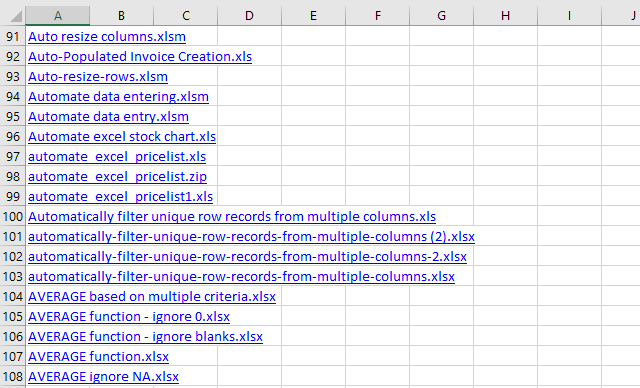
Table of Contents
1. List files in a folder and create hyperlinks (VBA)
This section demonstrates a macro that populates a new worksheet with filenames from the active folder which is the same folder as the workbook was saved in. The filenames are hyperlinks that make it easy for you to quickly open any file.
What you will learn in this article
- How to not show changes made from macro, until it is finished processing, in order to speed up the macro.
- Save a worksheet object to a variable.
- Create a new worksheet and save it to an object.
- Iterate through files in a given folder programmatically.
- Ignore the current folder and parent folder.
- Write hyperlinks to a worksheet programmatically.
- Move from one cell to another using VBA.
- Identify folders using DIR function.
How the macro works
The animated picture below shows how the macro works.
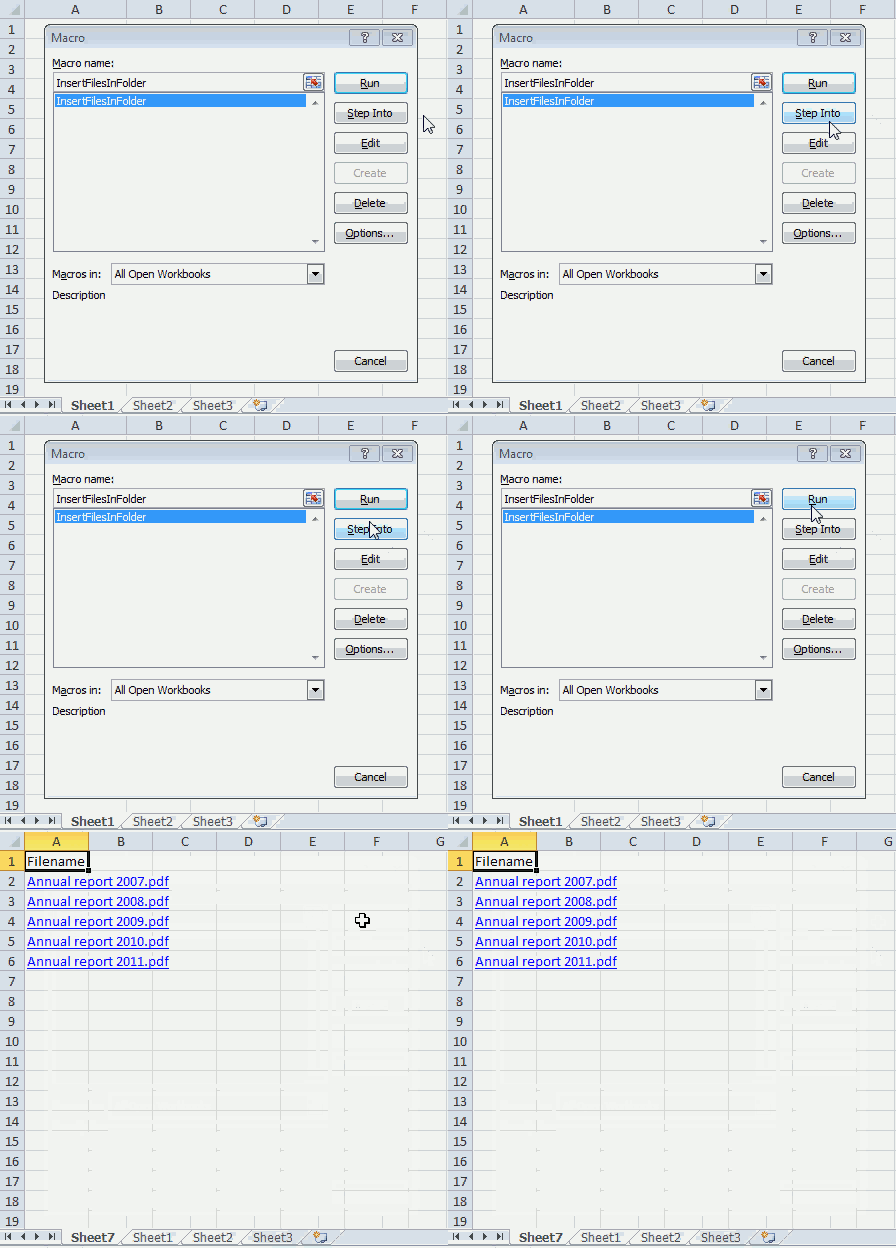
- Press Alt + F8 to open the macro dialog box.
- Press with mouse on InsertFilesInFolder to select it.
- Press with left mouse button on "Run" button to run the selected macro.
- A new worksheet is automatically inserted to your workbook.
- The macro populates column A with file names from the same directory that the workbook was saved in.
- The filenames are hyperlinks that you can press with left mouse button on to open.
VBA Code
'Name macro
Sub InsertFilesInFolder()

'Don't show changes on worksheet to user, this will speed up the macro a lot
Application.ScreenUpdating = False
'Dimension variables and declare data types
Dim sPath As String, Value As String
Dim WS As Worksheet

'Add a new worksheet and save it to variable WS
Set WS = Sheets.Add

'Save workbook path to variable sPath and append \
sPath = ActiveWorkbook.Path & "\"

'Get filename from files in folder sPath
Value = Dir(sPath, &H1F)

'Save text Filename to cell A1
WS.Range("A1") = "Filename"

'Save cell A2 to variable StartCell
Set StartCell = WS.Range("A2")

'Loop through filenames until value is equal to nothing
Do Until Value = ""

'Ignore . (represents the folder you are in) and .. which is the parent folder
If Value = "." Or Value = ".." Then

'Continue with the following lines if value is not equal to . or ..
Else

    'Check if value is a folder name
    If GetAttr(sPath & Value) = 16 Then

    'Continue with values that are not folder names or . or ..
    Else

        'Check if value is equal to your workbook name or a temporary file that is created when the workbook is opened
        If Value <> ActiveWorkbook.Name And Value <> "~$" & ActiveWorkbook.Name Then

            'Create hyperlink
            StartCell.Hyperlinks.Add Anchor:=StartCell, Address:= _
            Value, TextToDisplay:=Value

            'Move to cell below
            Set StartCell = StartCell.Offset(1, 0)
        End If
    End If
  End If

'Move to next value in folder
Value = Dir

'Continue macro with Do
Loop

'Show changes on worksheet to user
Application.ScreenUpdating = False
End Sub
Where to put the code?
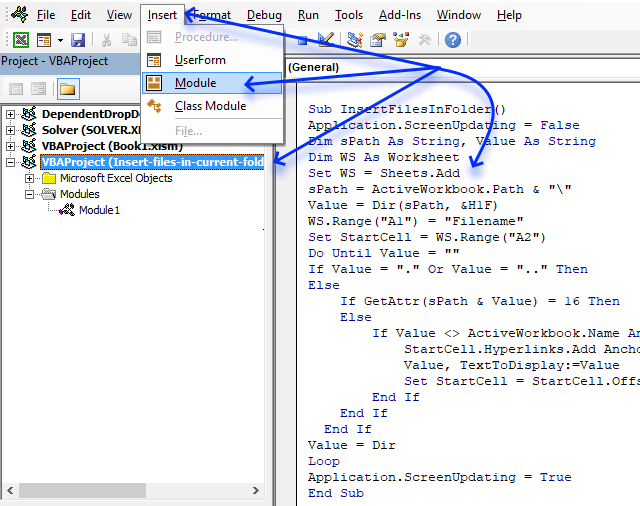
- Copy above VBA code
- Press Alt+F11 to open the VB Editor.
- Select your workbook in the Project Explorer
- Press with mouse on "Insert" on the menu.
- Press with mouse on "Module" to create a module in your workbook.
- Paste VBA code to code module.
- Return to Excel.
Note, make sure you save your workbook with the *.xlsm file extension. This will save the VBA code to the workbook.

2. How to navigate quickly in a complex workbook using hyperlinks
Question: I have a workbook containing a lot of worksheets and data. I need a way to find certain data/sheets quickly. How can I do this?
Answer: Create a table of contents and use hyperlinks to move around in a large complex workbook.
Here is how to do this in Excel:
- On your front sheet create a list with important workbook sheets you often visit
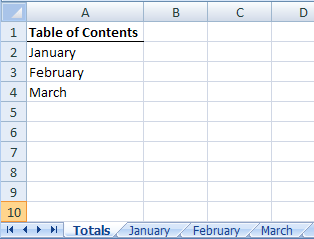
- Press with right mouse button on on January and select Hyperlink...
- Press with left mouse button on "Link to: A place in this document"
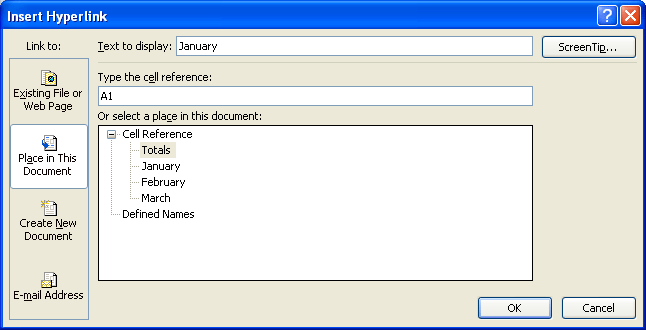
- Type cell reference. You can link to the same sheet as many times as you want. But by using a cell reference you can link to a certain place in that sheet, creating a more sophisticated navigation system.
- Press with left mouse button on OK!
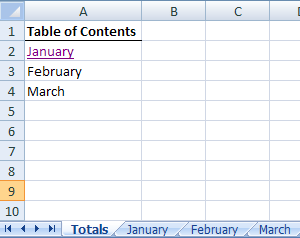
- Try press with left mouse button oning on January. Now can find important places in a workbook really quick!
- Repeat with remaining sheets.
Get Excel sample file for this tutorial.
table-of-contents.xls (Excel 97-2003 Workbook *.xls)
Files and folders category
Today I'll show you how to search all Excel workbooks with file extensions xls, xlsx and xlsm in a given folder for a […]
This tutorial shows you how to list excel files in a specific folder and create adjacent checkboxes, using VBA. The […]
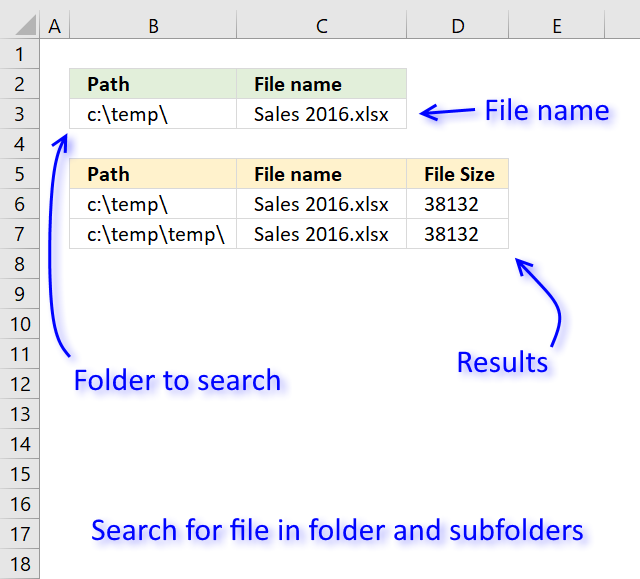
Table of Contents Search for a file in folder and sub folders - User Defined Function Search for a file […]
Hyperlinks category
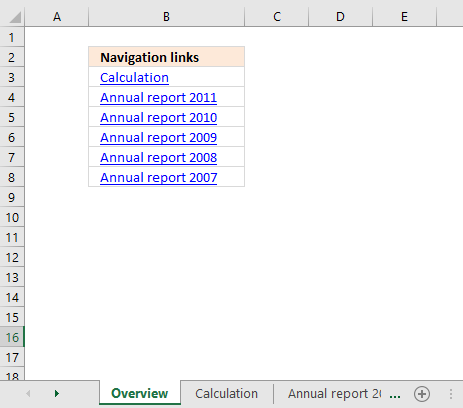
The macro demonstrated above creates hyperlinks to all worksheets in the current worksheet. You will then be able to quickly […]
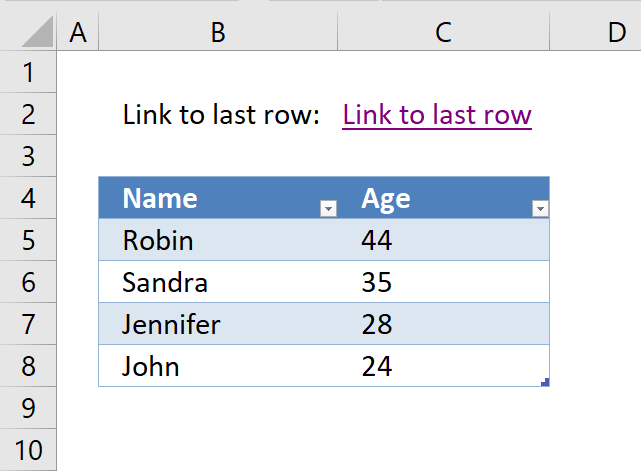
This article will demonstrate how to create a hyperlink that takes you to the first empty cell below data in […]
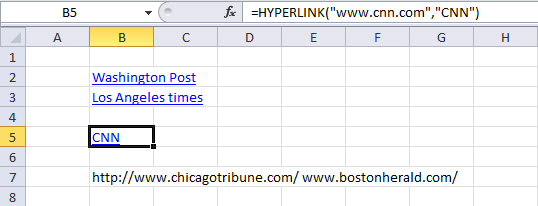
The macro in this blog post lists all hyperlinks in a worksheet. It also lists all words beginning with "http" […]
Excel categories
3 Responses to “List files in folder and create hyperlinks (VBA)”
Leave a Reply
How to comment
How to add a formula to your comment
<code>Insert your formula here.</code>
Convert less than and larger than signs
Use html character entities instead of less than and larger than signs.
< becomes < and > becomes >
How to add VBA code to your comment
[vb 1="vbnet" language=","]
Put your VBA code here.
[/vb]
How to add a picture to your comment:
Upload picture to postimage.org or imgur
Paste image link to your comment.

Hi, I'm checking out your macro to create hyperlink to a files because I have a problem and little bit similar to this.
Here's my scenario.. i have following data in column A from row 2 to 50..lets says all brands of shoes..in column b from row 2 to 50 are there prizes. in column C is the hyperlink address
from were i got those prices.let say in row 2 of column c = "e:\prices\companyA.pdf" and in row 2 of column C -"e:\prices\companyB.pdf". my Excel file is also save in e:\prices\myexcelfile.xlsx. in my computer i have no problem opening my link..the problem is that when somebody needs to copy of that to their computer is not opening since the cell path address is changes. can you help how can i create a macro to update those hyperlink in column c even copying to another computer.thanks a lot.
Hello, I need exactly what your code does but I don't want it to create a new worksheet. I want it to append an existing one with the first cell of the first column as a hyperlink of the filenames found in a specific folder. Can you help?
Hola, necesito vincular los nombres de carpetas que se encuentran escritos en una hoja Excel con las carpetas que contiene vistas fotográficas, vincular uno por uno nos lleva mucho tiempo.
Por favor su apoyo.
Gracias.