Create a drop down calendar
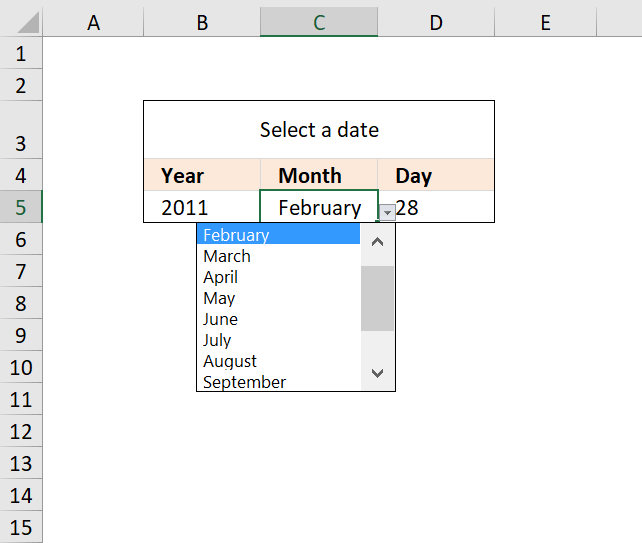
The drop down calendar in the image above uses a "calculation" sheet and a named range. You can copy the drop-down lists and paste anywhere in the workbook but they have to be in the same order and adjacent.
You can select a year and month and a formula calculates the right number of days in the last drop down list, however if you choose "January" and day 31 and then selects February which is possible. The problem is that there are not 31 days in February.
You can use conditional formatting to hide the day when that scenario happens, that will clearly inform the user that the date is not valid. I will show you later in this post how to set it up. Here is how I created the drop down lists:
Create a drop down list for years
- Select cell A1
- Select tab "Data" on the ribbon
- Press with left mouse button on "Data Validation" button
- Press with left mouse button on "Data Validation..."
- Select tab "Settings"
- Select List in "Allow:" drop down list
- Type in "Source:" window
2011, 2012, 2013, 2014, 2015
- Press with left mouse button on OK!
Create a drop down list for months
- Select cell B1
- Select tab "Data" on the ribbon
- Press with left mouse button on "Data Validation" button
- Press with left mouse button on "Data Validation..."
- Select tab "Settings"
- Select List in "Allow:" drop down list
- Type in "Source:" window
January, February, March, April, May, June, July, August, September, October, November, December
- Press with left mouse button on OK!
Recommended articles
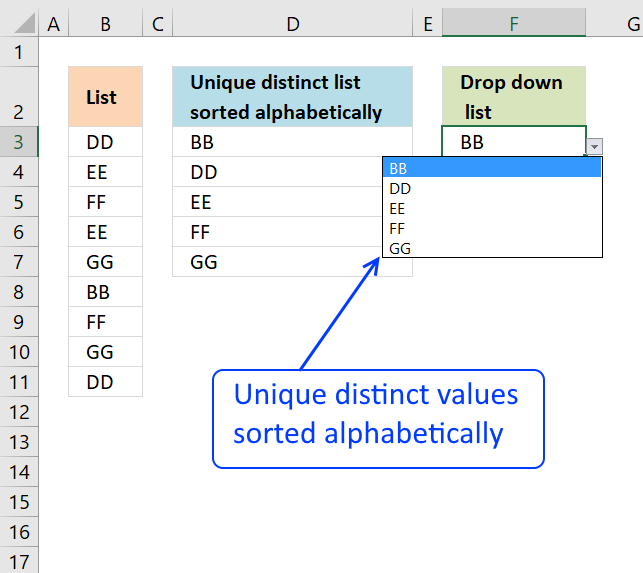
Question: How do I create a drop-down list with unique distinct alphabetically sorted values? Table of contents Sort values using […]
Setup Sheet2
- Select sheet2
- Select cell A1
- Type
=row()
in cell A1 and then press ENTER
- Copy cell A1 and paste down to cell A31
Create a named range
- Select tab "Formulas" on the ribbon
- Press with left mouse button on "Name Manager" button
- Press with left mouse button on "New..." button
- Type
days
in Name: window
- Type formula:
=Sheet2!$A$1:INDEX(Sheet2!$A$1:$A$31, DAY(DATE(Sheet1!A1, MATCH(Sheet1!B1, {"January", "February", "March", "April", "May", "June", "July", "August", "September", "October", "November", "December"}, 0)+1, 1)-1))
in "Refers to:" window
- Press with left mouse button on Close button
Recommended articles
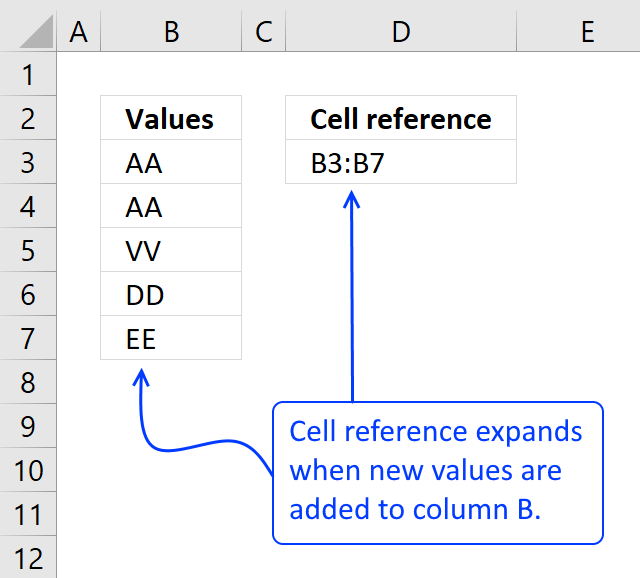
A dynamic named range grows automatically when new values are added and also shrinks if values are deleted. This saves […]
Create a drop down list for days
- Select cell C1
- Select tab "Data" on the ribbon
- Press with left mouse button on "Data Validation" button
- Press with left mouse button on "Data Validation..."
- Select tab "Settings"
- Select List in "Allow:" drop down list
- Type in "Source:" window:
=days
- Press with left mouse button on OK!
How to create a list of drop down calendars
- Copy cell A1:C1
- Paste down as far as needed.
The named range is dynamic, all drop down lists in each row is connected.
Hide day if date is invalid
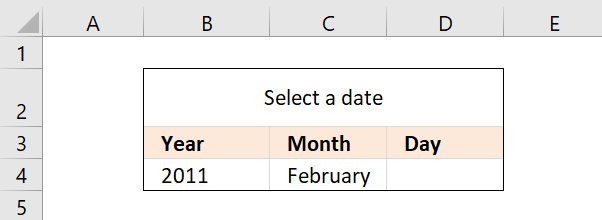
The image above shows what happens if an invalid date is selected, conditional formatting hides the day to alert the user that the date is invalid. The formula in cell J2 checks if the date is valid or not.
- FALSE = Invalid
- TRUE = Valid.
Formula in cell J2:
The conditional formatting formula:
How to apply conditional formatting to cell D4
- Select cell D4
- Go to tab "Home" on the ribbon
- Press with left mouse button on "Conditional formatting" button
- Press with left mouse button on "New Rule..."
- Press with mouse on "Use a formula to determine which cells to format"
- Type the formula above in "Format values where this formula is true:"
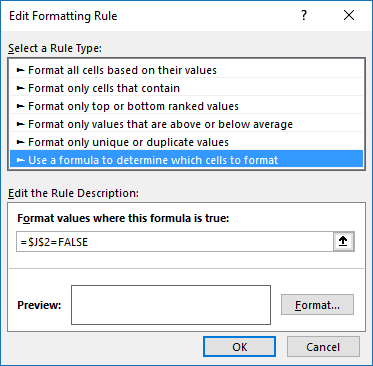
- Press with left mouse button on "Format" button.
- Press with left mouse button on tab "Font"
- Pick font color white.
- Press with left mouse button on OK
- Press with left mouse button on OK
Example
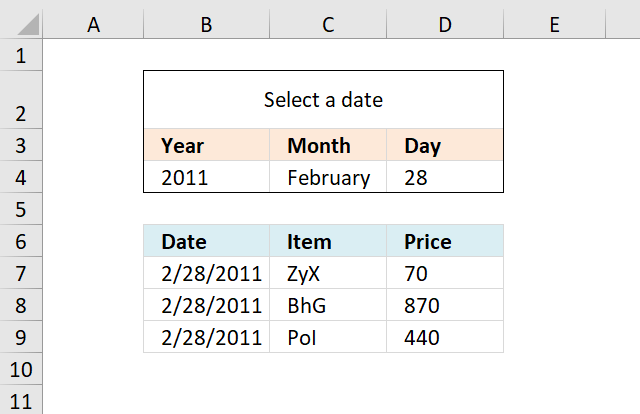
The image above demonstrates how to filter a table using the date picker and an array formula.
Array formula in cell B7:
To enter an array formula, type the formula in a cell then press and hold CTRL + SHIFT simultaneously, now press Enter once. Release all keys.
The formula bar now shows the formula with a beginning and ending curly bracket telling you that you entered the formula successfully. Don't enter the curly brackets yourself.
Copy cell B7 and paste to cell range B7:D9.

Calendar category
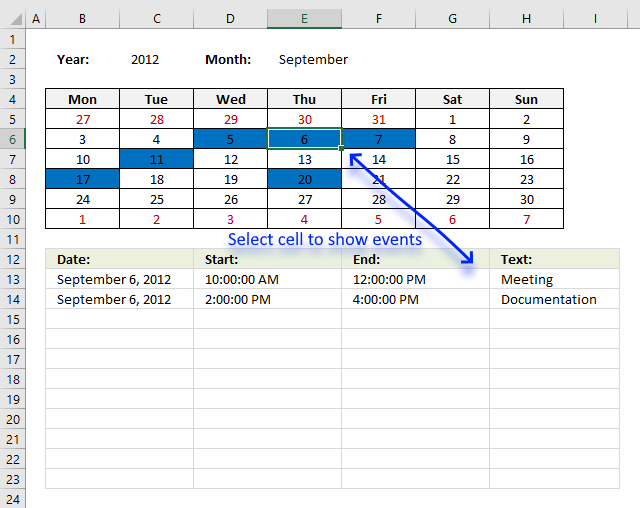
Table of Contents Excel monthly calendar - VBA Calendar Drop down lists Headers Calculating dates (formula) Conditional formatting Today Dates […]
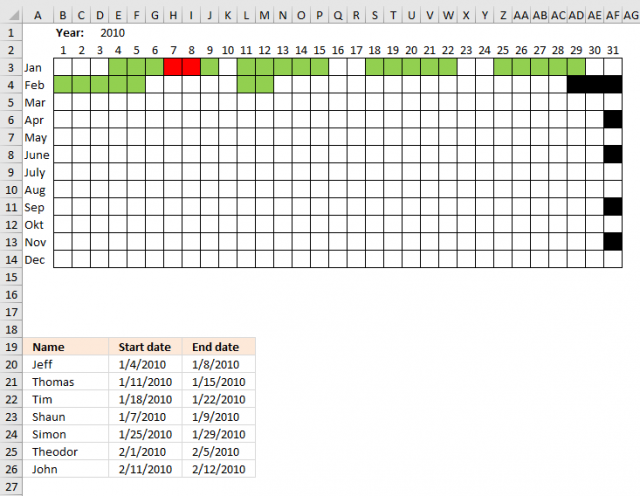
Table of Contents Plot date ranges in a calendar Plot date ranges in a calendar part 2 1. Plot date […]
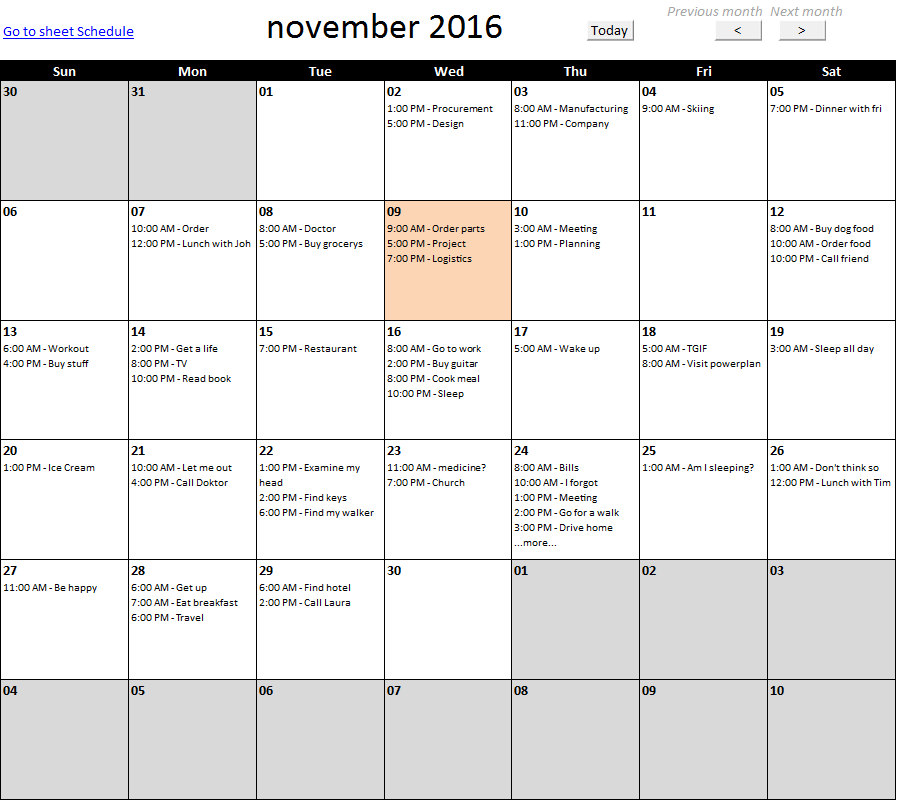
This article describes how to build a calendar showing all days in a chosen month with corresponding scheduled events. What's […]
Drop down lists category
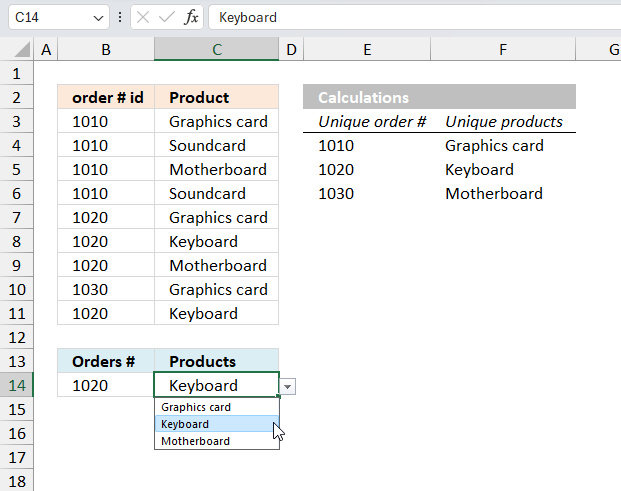
Table of Contents Create dependent drop down lists containing unique distinct values - Excel 365 Create dependent drop down lists […]
Question: How do I create a drop-down list with unique distinct alphabetically sorted values? Table of contents Sort values using […]
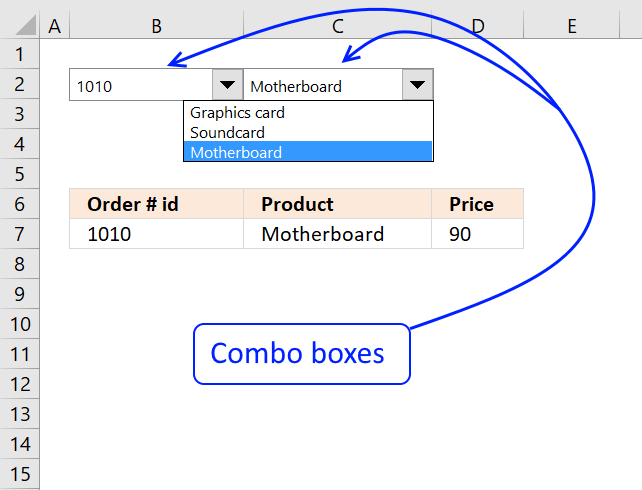
Josh asks: now if i only knew how to apply these dependent dropdown selections to a filter, i'd be set. […]
Excel categories
6 Responses to “Create a drop down calendar”
Leave a Reply
How to comment
How to add a formula to your comment
<code>Insert your formula here.</code>
Convert less than and larger than signs
Use html character entities instead of less than and larger than signs.
< becomes < and > becomes >
How to add VBA code to your comment
[vb 1="vbnet" language=","]
Put your VBA code here.
[/vb]
How to add a picture to your comment:
Upload picture to postimage.org or imgur
Paste image link to your comment.

@Oscar,
Here is a shorter Name Range formula that appears to work the same as the one you posted...
=Sheet2!$A$1:INDEX(Sheet2!$A$1:$A$31, DAY(DATE(Sheet1!$A$1, MONTH(Sheet1!$B$1&1)+1, 0)))
As a side note, you can change the $A$30000 reference in your posted Named Range formula to $A$31 and it will work just as well.
Rick Rothstein (MVP - Excel),
Thanks!!
i can't understand this6
=Sheet2!$A$1:29 ---->> not working
29=INDEX(Sheet2!$A$1:$A$30000,DAY(DATE(Sheet1!A1,MATCH(Sheet1!B1,{"January";"February";"March";"April";"May";"June";"July";"August";"September";"October";"November";"December"},0)+1,1)-1))
Try this formula:
The formula creates a cell reference to sheet 2, column A. The drop down list is then populated with values from sheet2, column A.
Please ....
=Sheet2!$A$1:INDEX(Sheet2!$A$1:$A$31,DAY(EOMONTH(DATE($A$1,MONTH(1&$B$1),1),0)))
This also works....